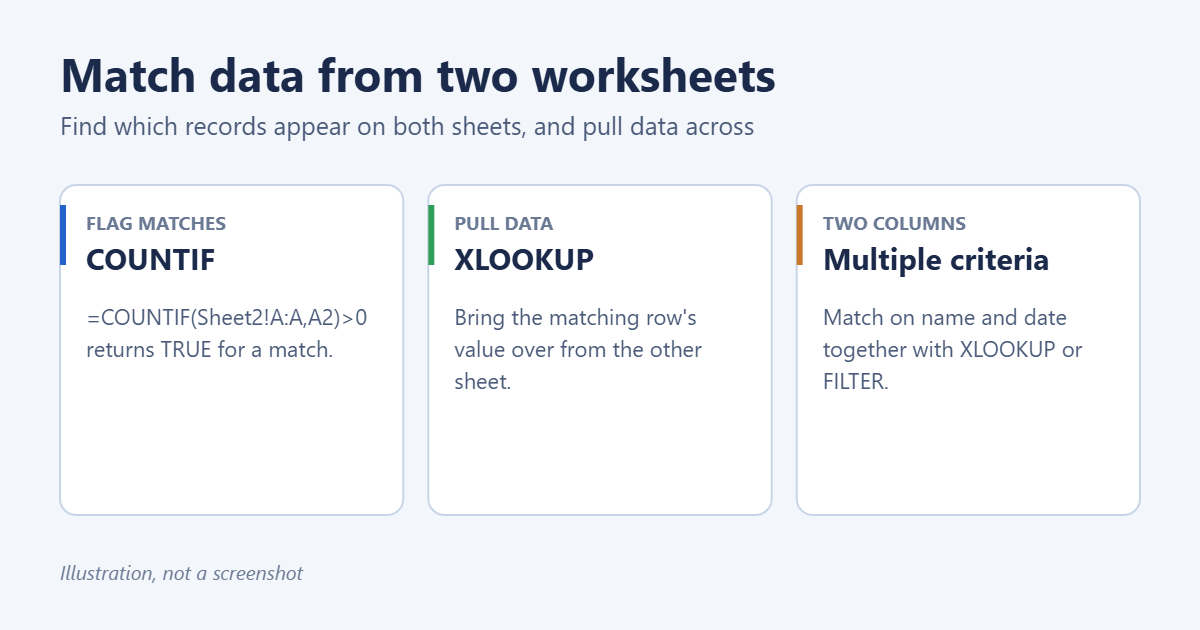
To match data between two worksheets in Excel, add a formula next to your list that looks for each value on the other sheet. =COUNTIF(Sheet2!A:A,A2)>0 returns TRUE if the value in A2 also appears in column A of Sheet2. To bring matching information across, use =XLOOKUP(A2,Sheet2!A:A,Sheet2!C:C,”No match”), or VLOOKUP or INDEX/MATCH in older versions of Excel.
Applies to: Excel for Microsoft 365, Excel 2024, 2021, 2019 and 2016 on Windows and Mac. XLOOKUP and FILTER need Excel 365, 2021 or 2024. Last reviewed October 8, 2026.
Example setup
Orders lists customer IDs in column A. Customers lists customer IDs in column A, names in column B and emails in column C. You want to know which orders have a matching customer and pull in the email.
1. Flag which values match (COUNTIF)
- On Orders, click D2 and type =COUNTIF(Customers!A:A,A2)>0.
- Press Enter and double-click the fill handle to copy it down.
- TRUE means the ID exists on Customers; FALSE means it doesn’t.
For a friendlier label, use =IF(COUNTIF(Customers!A:A,A2),”Match”,”Missing”). Filter column D on “Missing” to see only the unmatched rows.
2. Pull matching data across (XLOOKUP)
=XLOOKUP(A2,Customers!A:A,Customers!C:C,"No match")This finds A2 in the Customers ID column and returns the email from the same row, or “No match” if it isn’t there. XLOOKUP works whichever side the lookup column is on. More detail is in how to use XLOOKUP with two sheets.
Older Excel: INDEX and MATCH
=IFERROR(INDEX(Customers!C:C,MATCH(A2,Customers!A:A,0)),"No match")MATCH finds the row number, INDEX returns the value from that row. The 0 means exact match.
Older Excel: VLOOKUP
=IFERROR(VLOOKUP(A2,Customers!$A:$C,3,FALSE),"No match")VLOOKUP needs the ID column to be first in the range. See how to do a VLOOKUP between two sheets.
3. Match on two columns at once
When one column isn’t unique, for example the same name on several dates, match on both:
=XLOOKUP(1,(Customers!B:B=B2)*(Customers!D:D=C2),Customers!C:C,"No match")Each comparison returns 1 for a match and 0 otherwise. Multiplying them gives 1 only where both columns match. For speed, use exact ranges like B2:B5000 instead of whole columns.
4. List every matching record (FILTER)
To build a list of all Orders rows whose ID appears on Customers:
=FILTER(Orders!A2:F500,COUNTIF(Customers!A:A,Orders!A2:A500))Put it on a new sheet. The results spill and update automatically. Swap in NOT(COUNTIF(…)) to list the rows that don’t match.
5. Highlight matches with color
- Select A2:A500 on Orders.
- Go to Home > Conditional Formatting > New Rule > Use a formula to determine which cells to format.
- Enter =COUNTIF(Customers!$A:$A,A2)>0, choose a fill color, and select OK.
To compare two sheets cell by cell instead, see how to compare two sheets in Excel for matches.
Troubleshooting
Values that look identical don’t match
- Numbers stored as text: one sheet has 1001 as a number, the other as text. Convert them so both are the same, or compare with =COUNTIF(Customers!A:A,A2&””) to treat both as text.
- Extra spaces: use TRIM in a helper column on both sheets.
- Different case: lookups ignore case, so “abc” and “ABC” already match.
Formulas are slow
Whole-column references on large sheets are slow. Limit ranges to the rows you use, or convert both lists to tables with Ctrl+T and use table references.
#N/A
No match was found. Wrap the formula in IFERROR, or use XLOOKUP’s fourth argument as shown above.
Frequently asked questions
Can I match data in two different workbooks?
Yes. Open both and click across while writing the formula. Excel adds the file name, like [Customers.xlsx]Sheet1!A:A.
What about very large lists?
Use Power Query: Data > Get Data to load both sheets, then Merge Queries on the ID column. It handles hundreds of thousands of rows easily.
How do I reference the other sheet correctly?
Click the other sheet’s tab while typing the formula and Excel writes the reference. See how to reference a cell from another sheet. To return more than one column, see VLOOKUP for multiple columns.
Related: How to Add Totals from Different Sheets in Excel.
Related: how to do a VLOOKUP in Excel.
Related: do a reconciliation in Excel.
Related: highlight differences between two columns in Excel.

Matt Jacobs has been working as an IT consultant for small businesses since receiving his Master’s degree in 2003. While he still does some consulting work, his primary focus now is on creating technology support content for SupportYourTech.com.
His work can be found on many websites and focuses on topics such as Microsoft Office, Apple devices, Android devices, Photoshop, and more.